


Updated:
This is the reference page for Counter-Strike 1.6 hardware requirements. The short version: the game shipped in 2003, and its demands froze there. If your computer was made in the last fifteen years — desktop or laptop, with or without a graphics card — it does not merely meet these requirements, it exceeds them by two orders of magnitude. The tables below exist mostly so you can confirm that even a genuinely ancient machine will cope.
Both configurations refer to the client available on this site: the original game on GoldSrc engine 1.1.2.6, build 8684, running on Windows XP through Windows 11.
# CS 1.6 System Requirements
Minimum system requirements
| Processor | 1.2 GHz (1200 MHz) or faster |
| Memory | 512 MB RAM |
| Video card | 32 MB video memory |
| Disk space | 700 MB free |
| Operating system | Windows XP or newer |
| Other | Mouse, keyboard, internet access for online play |
Recommended system requirements
| Processor | 1.6 GHz (1600 MHz) or faster |
| Memory | 1 GB RAM |
| Video card | 128 MB video memory |
| Disk space | 700 MB free |
| Operating system | Windows XP, Vista, 7, 8, 8.1, 10, or 11 |
| Other | Mouse, keyboard, broadband internet |
What these numbers mean in 2026
Reading a 1.2 GHz / 512 MB spec sheet today is like checking whether your car can tow a bicycle. A budget office laptop, a mini PC, a decade-old desktop rescued from a closet — all of them run CS 1.6 with headroom to spare. In practice the requirements question only comes up in two situations: reviving genuinely retro hardware (it works — that is what the minimum column is for) and wondering whether a laptop without a gaming GPU is enough (it is, comfortably).
Disk space and expected FPS
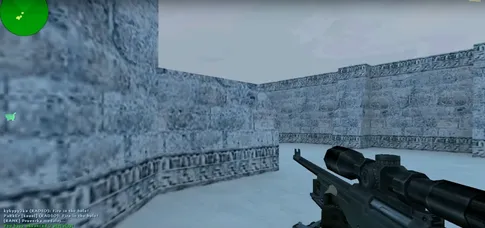
The setup file weighs about 175 MB and unpacks to roughly 700 MB installed — small enough to live on any drive, including an old HDD, where the game still loads maps in seconds. On frame rate: our build ships with a high-FPS config, and integrated graphics hold a stable 100 FPS — the engine's classic cap — on every stock map. There is no settings menu to agonize over; the game simply runs at full speed.
Network and Windows support
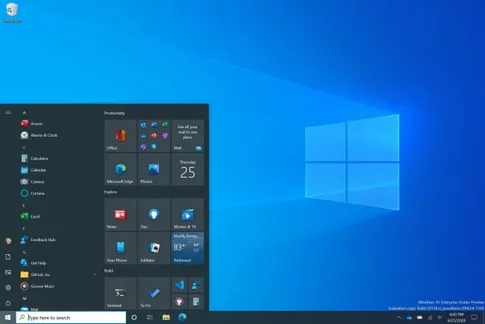
For online play, any broadband connection is more than enough — the game's traffic is light because the netcode predates video streaming. What separates a good online experience from a frustrating one is ping, the round-trip time to the server, which depends on distance and connection stability rather than speed. Sorting the browser by ping is covered in the server browser guide. On the OS side, one installer spans Windows XP to Windows 11; the dedicated Windows 10 and Windows 11 pages cover the modern systems in detail.
Bottom line: if you can read this page on the machine in question, that machine can run Counter-Strike 1.6. Grab the free CS 1.6 download, install in under a minute, and the only performance factor left to think about is your aim.
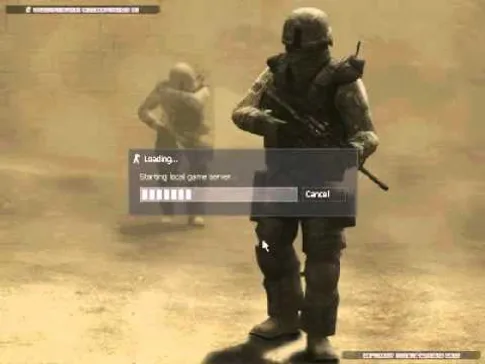
CS 1.6 running at full speed

Frequently asked questions
Does CS 1.6 run on a laptop without a dedicated graphics card?
Yes, easily. The game asks for a 32 MB video card — integrated graphics in any laptop made in the last fifteen years exceed that many times over. Expect a stable 100 FPS on plain Intel or AMD integrated chips with no settings tweaks.
How much internet data does playing CS 1.6 online use?
Very little. The netcode was designed in 2003 for dial-up and early broadband, so an evening of online play consumes a tiny fraction of the data a modern game would. What actually matters for a good experience is ping — the latency to the server — not bandwidth.
Can a really old PC still run CS 1.6?
Almost certainly. The minimum is a 1.2 GHz processor, 512 MB of RAM, and a 32 MB video card — hardware from the early 2000s. If a machine can boot Windows XP or newer, it can run this game.
How much disk space do I need?
The setup file is about 175 MB, and the installed game takes roughly 700 MB. Keep 700 MB free on the drive you install to and you are covered, with room left for downloaded custom maps.
Does the same installer work on Windows XP and Windows 11?
Yes. One installer covers Windows XP, Vista, 7, 8, 8.1, 10, and 11 — no compatibility mode, no extra patches, and no CD-key on any of them.