

Updated:
Let's start with the honest part: there is no official Android version of Counter-Strike 1.6, and what we distribute here is the Windows client. That does not mean phone play is impossible — it means it works differently. On Android, CS 1.6 runs through Xash3D FWGS, an open-source reimplementation of the GoldSrc engine, together with its CS16Client add-on. The engine is free software, but it contains no game content: it needs the actual game files, which you get from a normal PC installation of our client.
So the phone setup is a two-machine job: install the game on a PC first, then move its files to your Android device. If that sounds like too much, there is a zero-install alternative — you can play CS 1.6 in your browser on any device with a screen and an internet connection.
# CS 1.6 on Android
You need three things: a Windows PC (or a friend's) where you can run the installer from this page, an Android phone with about 1 GB of free storage, and a way to move files between them — a USB cable, a cloud drive, or a file-sharing app all work. The download buttons above give you the PC installer; the install guide walks through that part if you have never done it.
Step by step: CS 1.6 on your phone
The whole process takes ten to fifteen minutes, and most of that is copying files:
- Step 1 — install CS 1.6 on a PC using the download on this page. Note the install folder; inside it you will find two directories that matter: cstrike and valve.
- Step 2 — on your phone, install Xash3D FWGS and CS16Client from their official project sources. Avoid random APK mirrors — the genuine builds are published by the developers themselves.
- Step 3 — copy the cstrike and valve folders from the PC to your phone, into the game-files folder Xash3D asks you to pick on first launch.
- Step 4 — launch CS16Client. The familiar main menu appears, and Find Servers works just like on desktop.
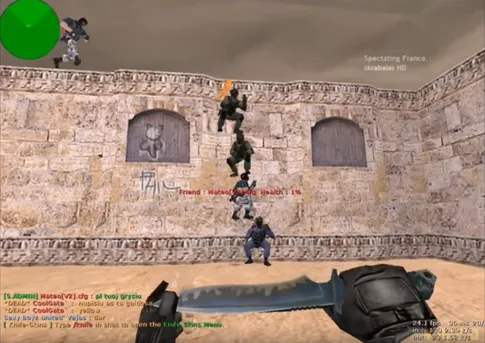
Touch controls: what to expect
The port draws an on-screen layout — a virtual stick for movement plus buttons for fire, jump, crouch, and the buy menu — and lets you move, resize, and re-map every element until it fits your hands. Aiming by dragging a thumb across glass will never match a mouse, so give yourself a few bot matches to adjust before going public. If you are serious about playing on the phone, pair a Bluetooth mouse and keyboard: the game becomes instantly recognizable again.
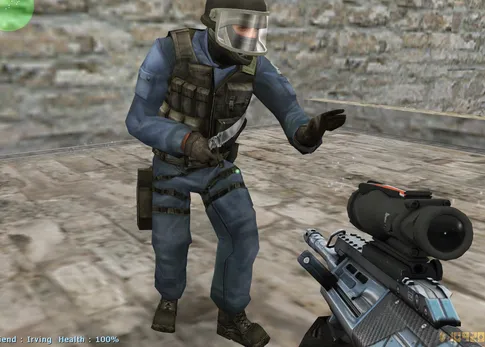
Performance and online play
Performance is the one thing you never have to worry about. This is a 2003 game engine running on hardware hundreds of times faster than it was written for — any modern phone, and most old ones, hold a smooth frame rate on every classic map. Online play works too: the port connects to the same servers as the desktop client, so the server browser guide applies on mobile exactly as it does on PC. Wi-Fi is strongly recommended over mobile data, not for bandwidth (the game uses very little) but for a steadier ping.
The no-install alternative
If you only want a quick round on the bus, skip the whole procedure and open the browser version of CS 1.6 instead. It plays directly in Chrome or any modern mobile browser with nothing to copy and nothing to install. The Xash3D route gives better performance and full control customization; the browser gives instant access. And when you are back at a real computer, the full Windows client is still the definitive way to play — the phone versions are companions, not replacements.
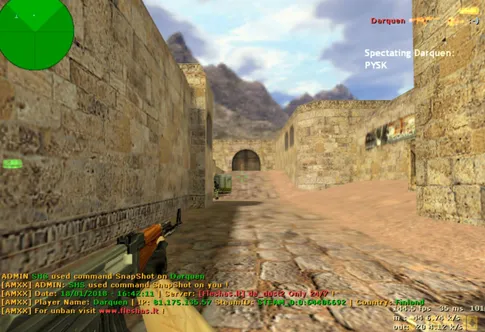
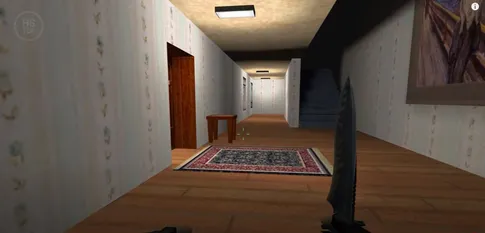
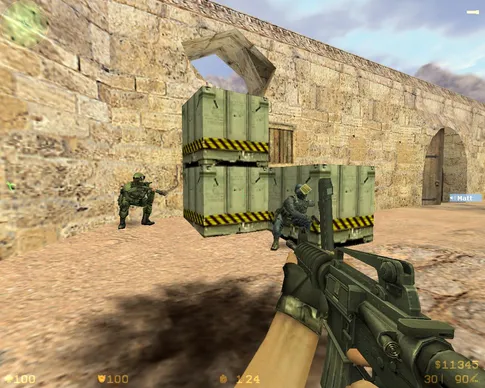
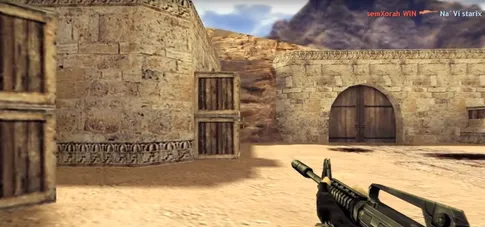
CS 1.6 gameplay — the same game, pocket sized

Frequently asked questions
Is there an official CS 1.6 APK for Android?
No. Valve never released Counter-Strike 1.6 for Android, and any site offering an “official CS 1.6 APK” is mislabeling something. The legitimate way to play on a phone is the open-source Xash3D FWGS engine port combined with the game files from a PC installation.
Can I play online from my phone, on the same servers as PC players?
Yes. The Xash3D FWGS port speaks the same protocol as the desktop game, so you join the same public servers PC players use — deathmatch, classic, zombie, and the rest. Expect to be at a real disadvantage against mouse users in aim duels, though.
Does CS 1.6 on Android support controllers?
The port supports external input over Bluetooth or USB, so a gamepad — or better, a Bluetooth mouse and keyboard — works and is far more precise than touch controls. Check the control settings inside the app to bind your device.
Is Xash3D FWGS safe and legal to install?
Xash3D FWGS is a well-known open-source engine reimplementation with public source code. It ships no game content at all — it only runs the files you copy over from your own PC installation, which is exactly why it stays legitimate.
Will my phone run it well?
Almost certainly. CS 1.6 was built for 2003-era PCs, so any Android phone from the last decade runs it at a smooth frame rate without heating up or draining the battery the way modern mobile shooters do.